
ADVERTISEMENT
ADVERTISEMENT
The Microsoft Teams app is an all-in-one collaboration platform designed to enhance communication and teamwork among users, whether in a professional or personal context. This versatile tool brings people together to share ideas, manage projects, and coordinate activities seamlessly. With its intuitive layout and diverse functionalities, it appeals to a wide audience, from corporate teams to family groups, ensuring that everyone can stay connected and productive.
Users should download the Microsoft Teams app to experience its unique capabilities tailored for modern collaboration. With features that integrate communities, events, chats, and tasks into one cohesive platform, it stands out among other apps. The app has recently improved its user interface and added functionalities like enhanced video calls and project management tools, making it even more user-friendly. Plus, the addition of Skype directly into Teams facilitates easy transitions for existing users, ensuring that your previous contacts and chats remain intact. Get started for free and discover how this secure app can revolutionize your communication!
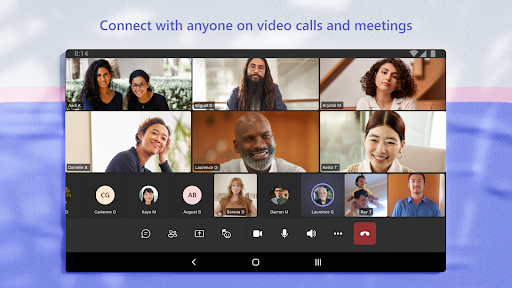
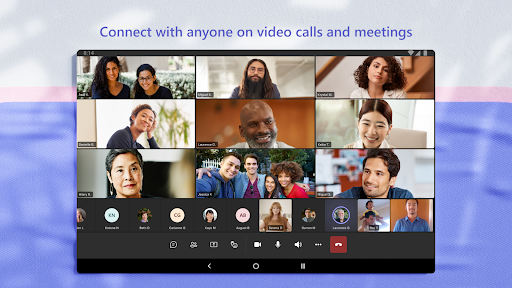
▪ Effective Meetings: Quickly set up secure audio and video calls with anyone, from colleagues to friends, making it easy to connect anytime.
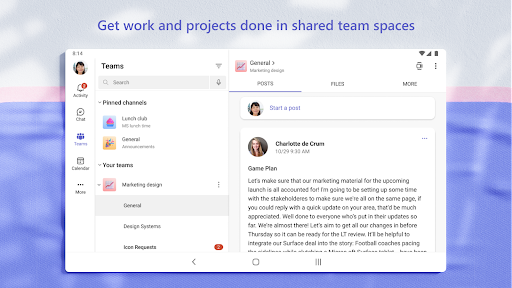
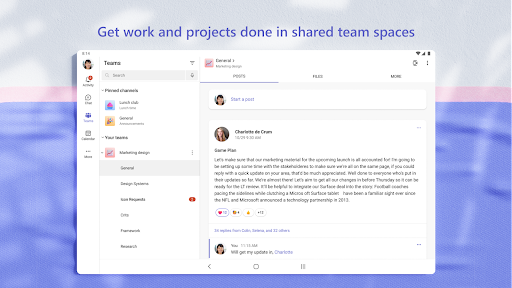
▪ Organized Collaboration: Utilize teams and channels to ensure conversations remain structured around specific topics, facilitating better teamwork.
▪ Integrated Cloud Storage: Access, share, and store documents easily with built-in cloud capabilities, enabling mobile and efficient collaboration.
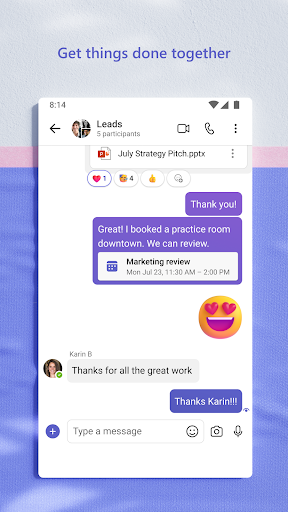
▪ Dynamic Communication: Express yourself using GIFs, emojis, and message animations, adding a personal touch to your chats.
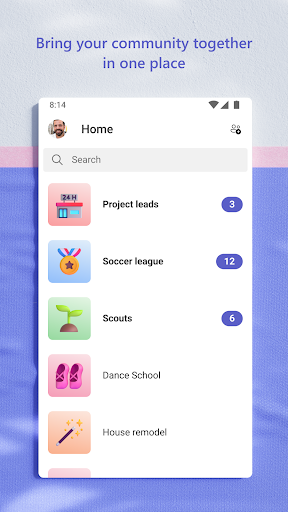
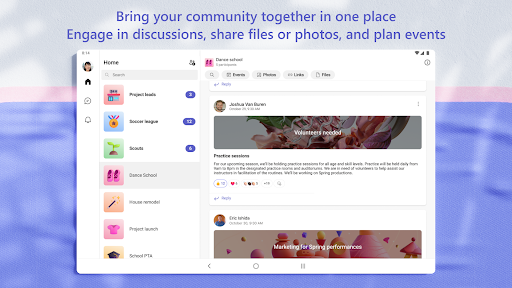
▪ Comprehensive Community Management: Create dedicated spaces for groups to plan events and share important links and files without the hassle of disorganization.
1. Begin by visiting your respective app store (Google Play for Android or the App Store for iOS) or download the Microsoft Teams app APK directly from the Microsoft website.
2. Install the Microsoft Teams app on your device, ensuring that you allow necessary permissions for a seamless experience.
3. Once installed, open the app and sign in with your Microsoft account or create a new one if you’re new to the platform.
4. Start by creating or joining a team: You can invite community members or co-workers to collaborate and share tasks.
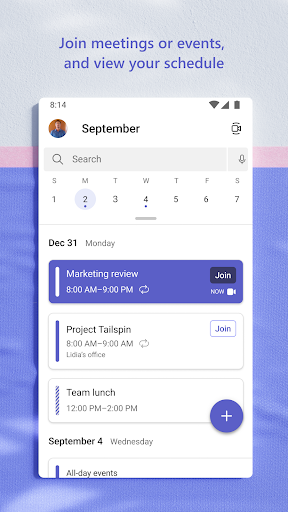
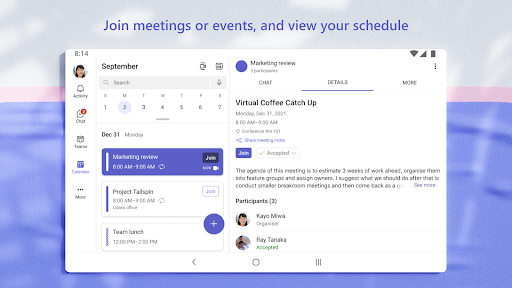
5. Explore the features within the app, such as setting up meetings, initiating chats, or organizing files in channels. You’ll soon find that the Microsoft Teams app is an invaluable tool for both personal and professional engagement. 🚀









ADVERTISEMENT


Welcome to Zorapin - your go-to destination for downloading the latest and most popular Android apps. Our mission is to provide a safe, reliable, and user-friendly platform for Android users to discover and download the best apps.
At Zorapin, our top priority is to deliver top-notch content that is relevant to our users. Our team of experts carefully selects and reviews each app before it is available for download on our platform. We also regularly update our app library to ensure our users can access the latest versions of their favorite apps.
At Zorapin, we provide a wide range of high-quality apps that cater to all your needs. Our platform is continuously updated with the latest and hot apps, ensuring users can access the most up-to-date apps.
We prioritize providing a seamless and hassle-free app download experience. Our website is easy to navigate, and our download process is quick and secure.
Thank you for choosing Zorapin as your trusted source for Android apps. We hope you enjoy using our platform and welcome your feedback and suggestions.


